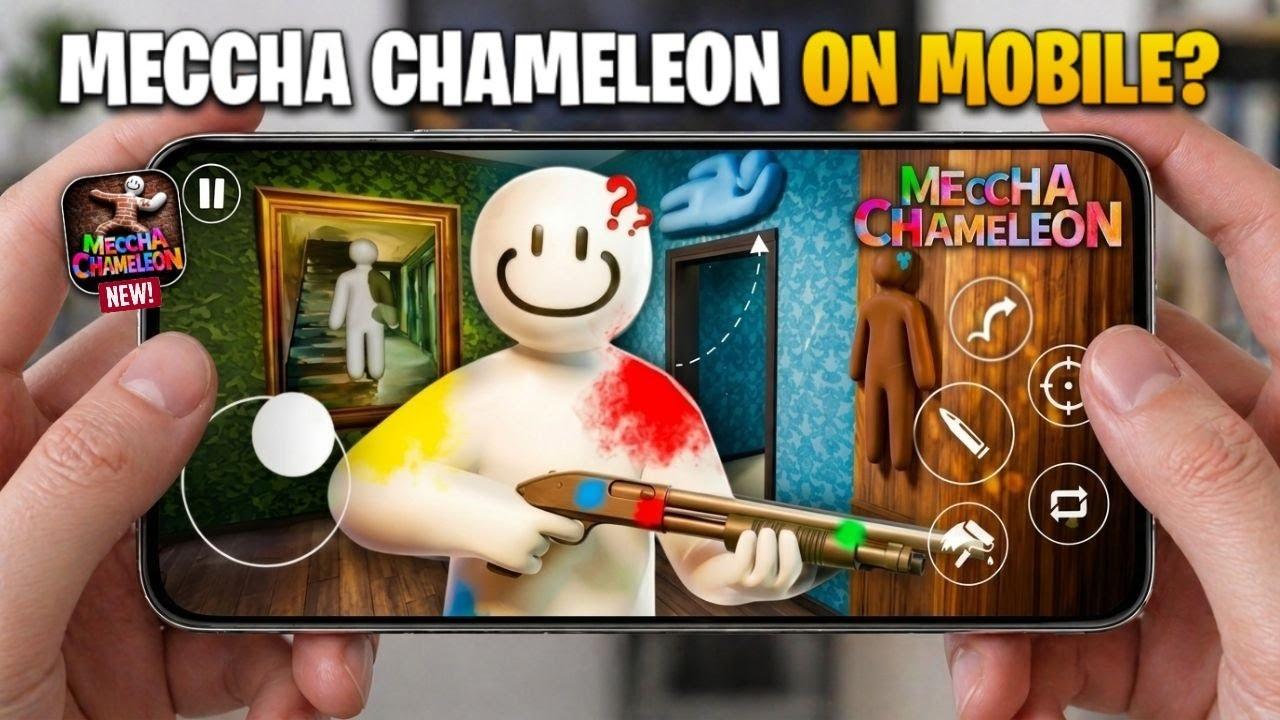
Somewhere between a crate of stolen relics and a wall that's seen better centuries, one chameleon just found the perfect hiding spot — and it's not moving for anyone.

Ready to level up your gameplay with pro tips & knowledge?
Information of Game
| Name | Category | Copies Sold | Developer | Price | Release Date |
|---|---|---|---|---|---|
| MECCHA CHAMELEON | Party / Hide-and-Seek | 15M+ | lemorion_1224 | $5.99 | June 9, 2026 |
Everyone's talking about Meccha Chameleon — the viral hide-and-seek game where you paint your own white body to blend into the wall like a chameleon. It exploded across streams and clips almost overnight, and thousands of players are now searching how to get it. This guide gives you the straight answer: Where to download Meccha Chameleon, what it actually costs, whether there's a free or mobile version, and the fake downloads to stay away from.
💡 Quick Note: We're an independent fan-run guide, not the official developer or publisher of MECCHA CHAMELEON. The tips and download information shared here are meant to help players find the game safely and avoid scam sites. For official news, updates, and purchases, please visit the official MECCHA CHAMELEON Steam page.
What Is Meccha Chameleon?
Meccha Chameleon is a multiplayer hide-and-seek party game with a creative twist. Instead of turning into preset props like classic Prop Hunt, you paint your plain white character to match the environment and vanish in plain sight. Each match splits players into two teams — Hiders camouflage themselves against the stage, while Seekers race to tag everyone before the timer runs out.
It's built for 2 to 10 players, works brilliantly for streamers running viewer-participation lobbies, and has earned overwhelmingly positive reviews since launch. The blend of creativity, tension, and those "how did they not see me?!" moments is exactly why the game went viral.
Meccha Chameleon Tips: Hider vs Seeker
New to the game? Here's the short version for both roles.
Playing as a Hider
- Pick your spot first, then paint to match it. Stand among clutter or textured walls, not in open space.
- Sample two colors — one lit, one shadowed — so you don't look like a flat sticker.
- Match your pose to a real object** nearby (flat panel, box, corner clutter).
- Freeze completely. Movement is the #1 giveaway, so hold dead still even when a Seeker walks past.
Playing as a Seeker
- Sweep in order: walls and corners first, then props, then open areas last.
- Look for shape, not color — a human outline against a hard-edged wall stands out.
- Check the light. A patch with the wrong shadow (or no shadow) is usually a painted Hider.
- Watch the clock — don't waste it all on one "sure" spot; mark it, move on, come back.
How to Download Meccha Chameleon: PC, Mobile & iOS
Where you can actually get Meccha Chameleon depends entirely on your device. Here's the honest breakdown for each platform, so you don't waste time on the wrong store.

Download for PC (Steam) — The Official Version
This is the real, official multiplayer game. Here's the safe way to install it:
- Open Steam on your Windows PC. If you don't have it, download and install the free Steam client first.
- Search "MECCHA CHAMELEON" in the Steam store, or find the official listing by developer lemorion_1224.
- Buy the game (around $5.99). You can pay directly or use a Steam gift card / Steam Wallet balance. Watch for occasional Steam sales to save a little.
- Install and launch it from your Steam Library.
- Join a public match for a quick random lobby, or host a private room to play with friends.
That's the whole process — no keys from sketchy third-party sites required. Buy once, install, and play.

Download for Mobile (Android)
Here's the part most searches get wrong: the real Meccha Chameleon has no official Android app. You cannot download the actual Steam game from Google Play, and any listing claiming to be the "full" mobile version of it is not the genuine title. That said, you have two real options if you want to play on Android:
Option 1 — Stream the real game to your phone. Install the game on a Windows PC via Steam (see above), then use Steam Link (or a similar remote-play app) to stream your PC's screen to your Android phone or tablet. Your PC runs the actual game; your phone just displays it and sends your taps as input. This is the only way to get the genuine Meccha Chameleon experience on Android.
Option 2 — Play a similar paint-and-hide game made for mobile. These are separate titles from other developers, inspired by the original, not ports of it:
- "MECCHA CHAMELEON !" by DAR LUB (Android + Windows) — a 3D stealth hide-and-seek where you camouflage and slip past enemies. Rated around 4.3★.
- "Hide & Seek: Prop Hunting Game" (Super: Hide & Paint) by Barracuda Games (Android) — a mobile prop-hunt take on the paint-and-hide idea.
Reviews on both are mixed and expect more ads and bot opponents than the Steam original. Always install from the official Google Play listing — never from an APK site, which is a common way to pick up malware.
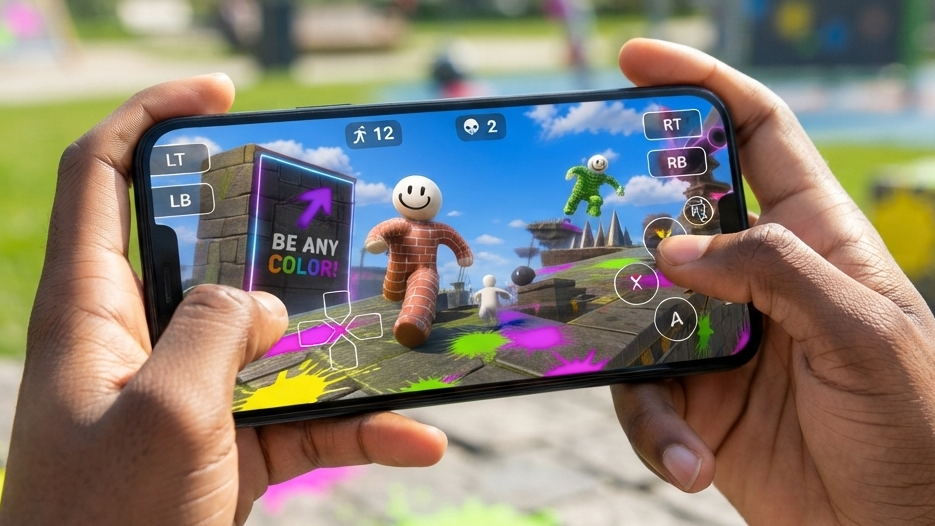
Download for iOS (iPhone & iPad)
Same story as Android: there is no official Meccha Chameleon app for iPhone or iPad. The Steam release has no native iOS build, so the App Store has nothing you can buy that is the real, full game.
To play the genuine game on iOS, your only real option is the same remote-play trick: install Meccha Chameleon on a Windows PC through Steam, then stream it to your iPhone or iPad using Steam Link. Because the game is so visual — reading colors, shapes, and shadows — an iPad's larger screen tends to work better than an iPhone for this.
One thing worth knowing: there is a free app on the App Store called "Mecha Chameleon" (by developer Youssef Drioua, roughly 41.8 MB, requires iOS 15.1+). It uses a similar paint-and-blend hide-and-seek pitch, but it is a completely different product from the Steam game — not an official port, not affiliated with the original developer. Go in knowing that, and you won't be disappointed by the difference.
The Bottom Line
Meccha Chameleon earned its hype the hard way — no marketing budget, just a genuinely funny idea that spread from streamer clips to millions of players in a few weeks. If you're on PC, the path is simple: buy it on Steam for about $5.99, install it, and you're in a lobby in minutes. If you're on mobile or iOS, you now know your real options — stream the real thing with Steam Link, or try one of the similar paint-and-hide games while you wait for an official port that may never come.
Whichever way you get in, the fastest way to stop being the person who gets caught every round is to actually practice the roles — so before your next match, take five minutes with the Hider and Seeker tips above. A well-placed pose and two sampled colors will win you more rounds than any amount of luck.